Why I Stopped Using the Notion Mobile App for Tasks.
I have a confession: I stopped using the Notion app on my phone for tasks and todos.

Luis Schröder
Owner
Insights
I have a confession: I stopped using the Notion app on my phone for tasks and todos.
It takes 25 seconds to create a task in the Notion Android app.
Twenty-five seconds might not sound like much. But think about how you actually use a task manager throughout your day. You’re standing in line at the grocery store and remember you need to email your boss. You’re walking to a meeting and suddenly recall that thing you promised to do. You’re cooking dinner when an idea for your side project pops into your head.
In those moments, 25 seconds feels like an eternity.
Those 25 seconds include opening the app, waiting for it to load, navigating to your task database, tapping the new entry button, waiting for the page to load, and finally typing your task. By the time you’ve done all that, you’ve either forgotten what you wanted to write down, or you’ve lost the motivation to bother at all.
I found myself constantly thinking, “Do I really need to write this down?” The friction was just high enough that I’d talk myself out of capturing things. And we all know what happens then — those tasks and ideas vanish into the void, only to resurface at 2 AM when you suddenly remember that important thing you forgot to do.
So What Did I Do Instead?
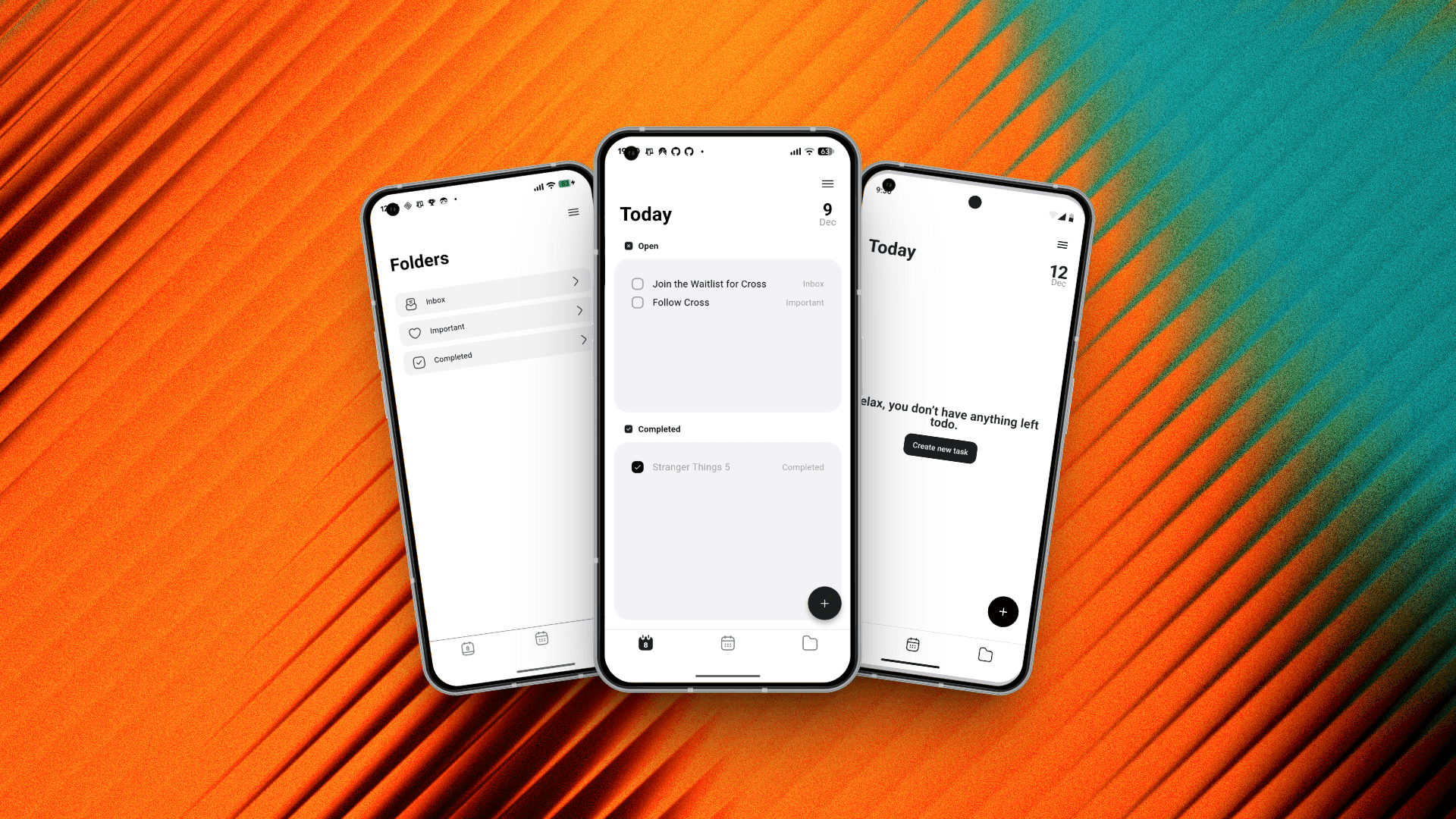
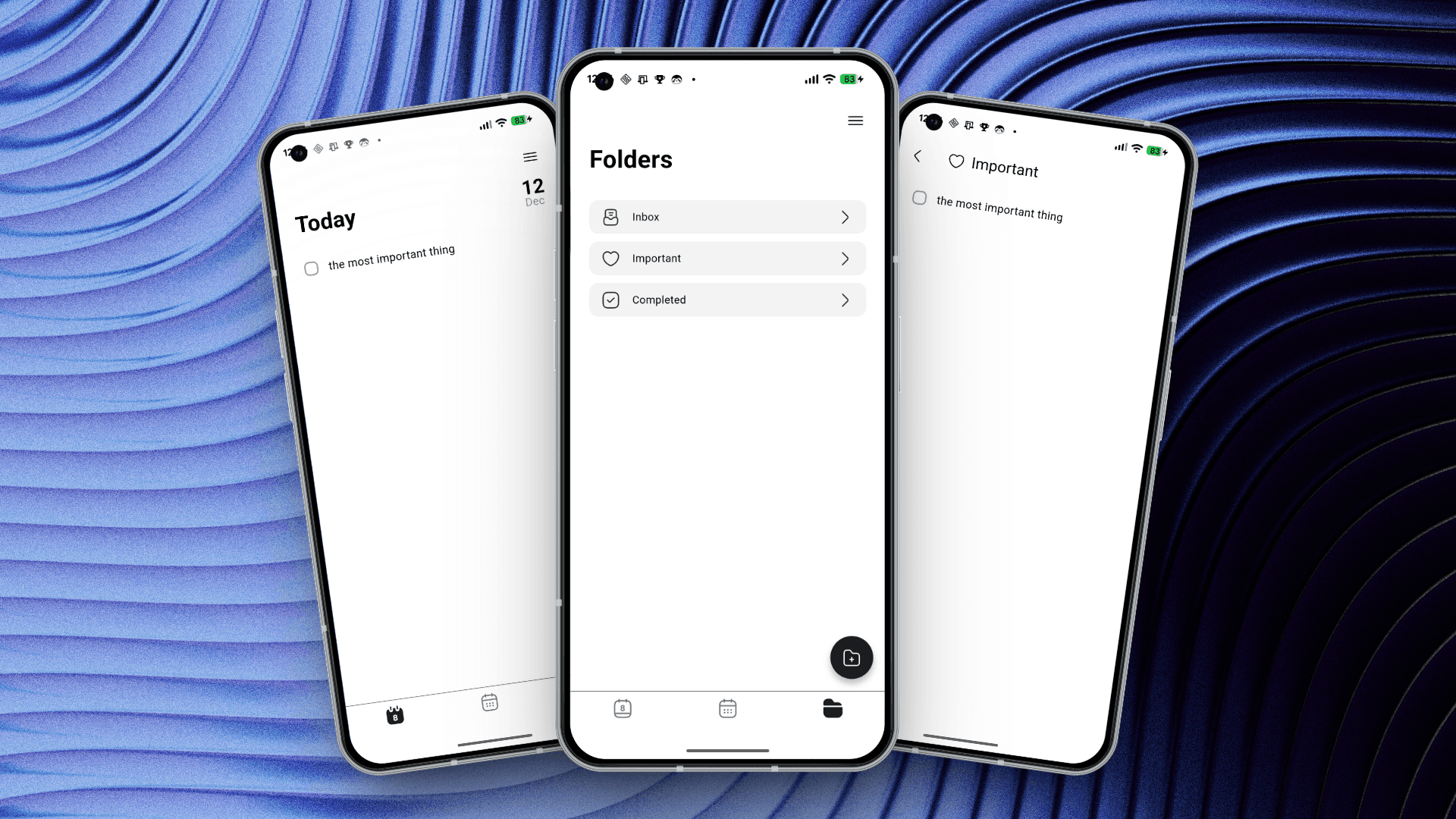
I started building my own todo app that syncs directly to Notion.
I know what you’re thinking: “Great, another todo app. Just what the world needs.” But hear me out. This isn’t about replacing Notion or building yet another productivity system. It’s about fixing the mobile experience while keeping all the power of your Notion database.
With my app, Cross, creating a task takes just 8 seconds. That’s 68% faster than the native Notion app. You can find the comparison video at the bottom of the article.
Eight seconds means I don’t think twice anymore. Task pops into my head? I capture it immediately. No friction. No debate. No “I’ll remember it later” (spoiler: I never remembered it later).
The Difference This Makes
Here’s what changed for me:
Before: I’d have a thought, pull out my phone, see it would take 25 seconds, and think “eh, I’ll remember.” Then I’d forget, feel stressed about dropping balls, and lose trust in my system.
After: Thought appears. Phone out. Eight seconds later, it’s captured in my Notion database. Done. My mind is clear, nothing falls through the cracks, and I actually trust my system again.
The speed difference transformed how I interact with my task manager. It went from something I had to use (with resistance) to something I want to use (because it’s effortless).
This is what mobile task management should feel like.
I’m Building This in Public
I’m currently preparing to launch Cross in early February 2025, and I’m sharing the entire journey publicly. The good parts, the messy parts, the technical challenges, and the wins.
If you’re interested in following along or trying Cross when it launches, here’s where you can find me:
Most Active:
Threads: @cross.task
Sometimes Active:
Bluesky: @luisjourney
Least Active (but still there):
Twitter/X: @Cross_tasks
Join the waitlist: wt.ls/cross
Website: getcross.framer.website
I’m also launching a newsletter soon where I’ll share deeper insights about building Cross, the technical decisions behind it, and tips for using Notion more effectively for task management.