#1 Week of Building Cross a todo app that syncs to Notion and Obsidian.
In this Article I talk about how what I did in the first week of building Cross a todo/task app for IOS and Android that syncs to Notion and Obsidian.
Luis Schröder
Owner
Build In Public
#1 Week of Building Cross a todo app that syncs to Notion and Obsidian.
Hello everyone, My name is Luis and Last week I started building my app “Cross”. Cross is a todo app that syncs to Notion and Obsidian. And in this blog post I want to tell you how my first week was so far.
Monday
On Monday I got the idea of building this app after having problems with the Notion Android app. I searched a long time for an App where I can create fast and easily todo’s and have them than in Notion. But I just couldn’t find anything. So I decided to build it my self.
Tuesday
I came home from School and immediately started to look for inspiration from other apps. I even did a Breakdown of one of my favorite to-do apps that I found.
Wednesday
Now I finally started working on the design of Cross. I begun with the Today page and finished it. After it, I worked on the Upcoming page and finished it. I also did a few settings pages.
Thursday
On Thursday I designed the last pages, and changed the Navbar to look like in Notion. Now I could finally start coding the app itself.
Friday
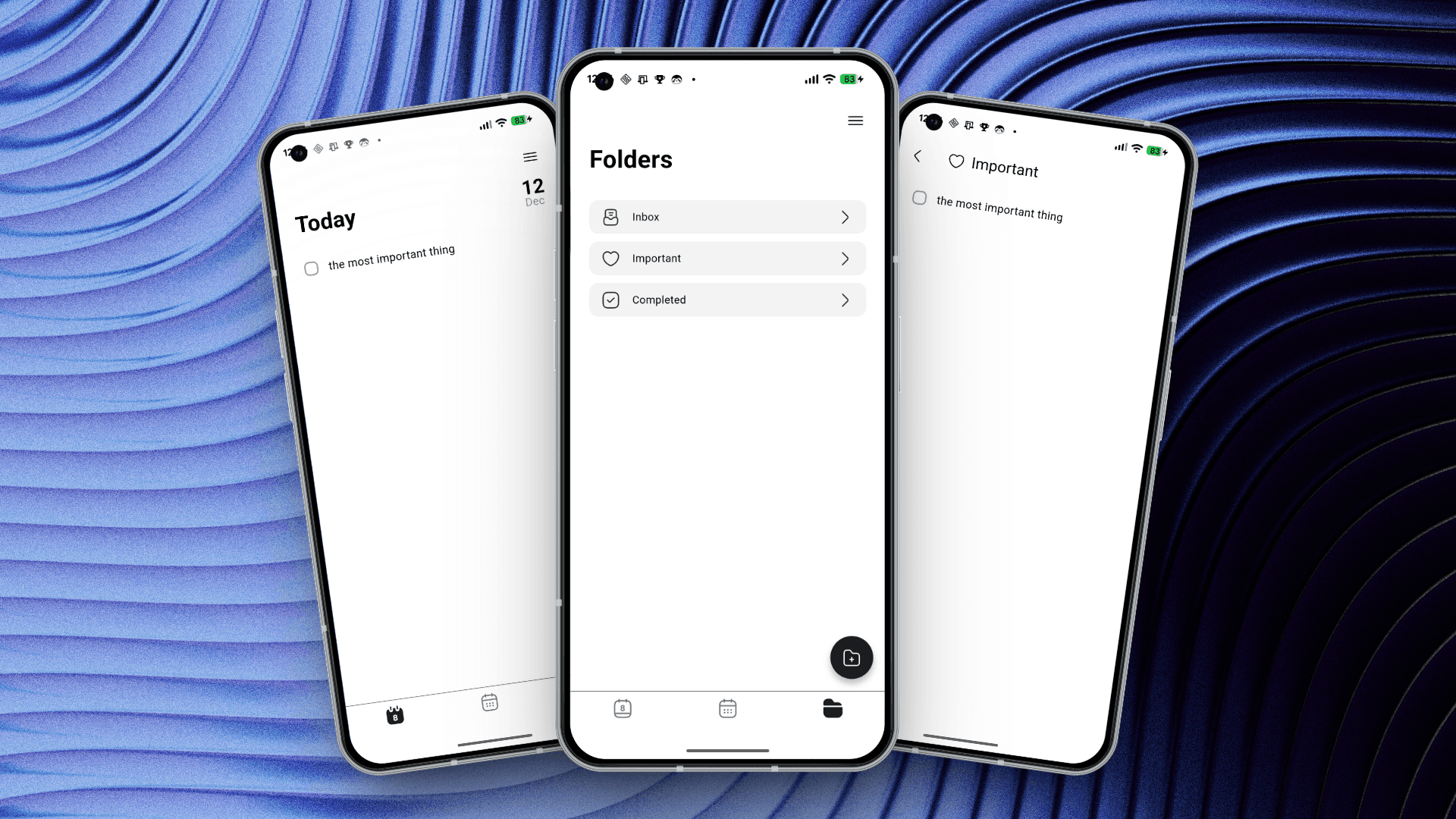
On Friday I finished the Today page, and moved on to the folders page.
Saturday
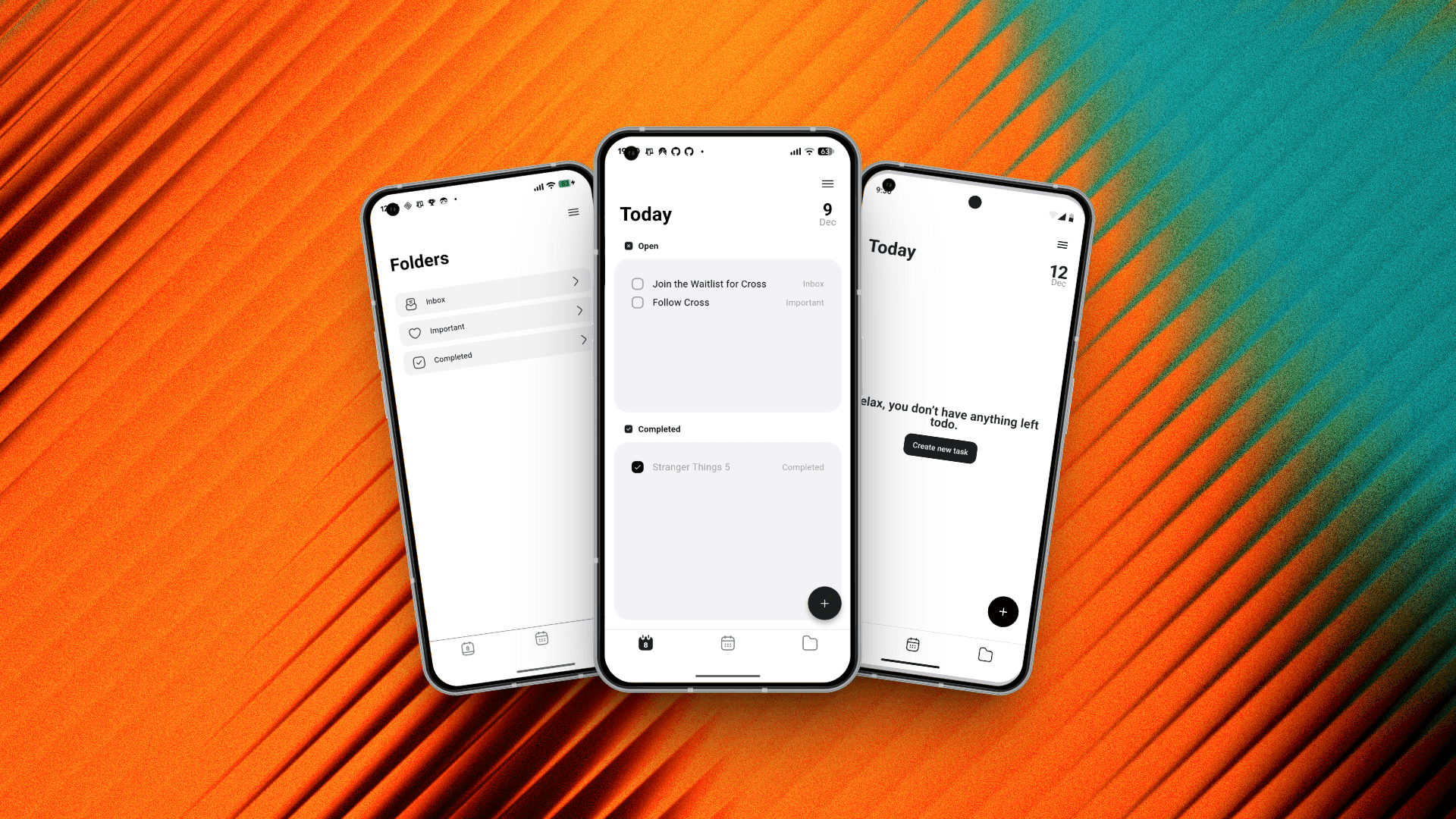
Saturday I finished the folders page and made it so that tasks disappear from the today page when they are done. I also designed a new today page that shows when you have “completed tasks shown” on.
Sunday
On Sunday I worked on the view settings page and on a second today page.
This was my first week of building my own app. I think that I achieved a lot this week and hope to get about the same done this week too. You can check out the Cross website here: https://bento.me/cross-app or join the waitlist here: https://wt.ls/cross . A newsletter is coming soon. And follow me on Threads or X.